The Modern Screenshot Editor for Every Desktop
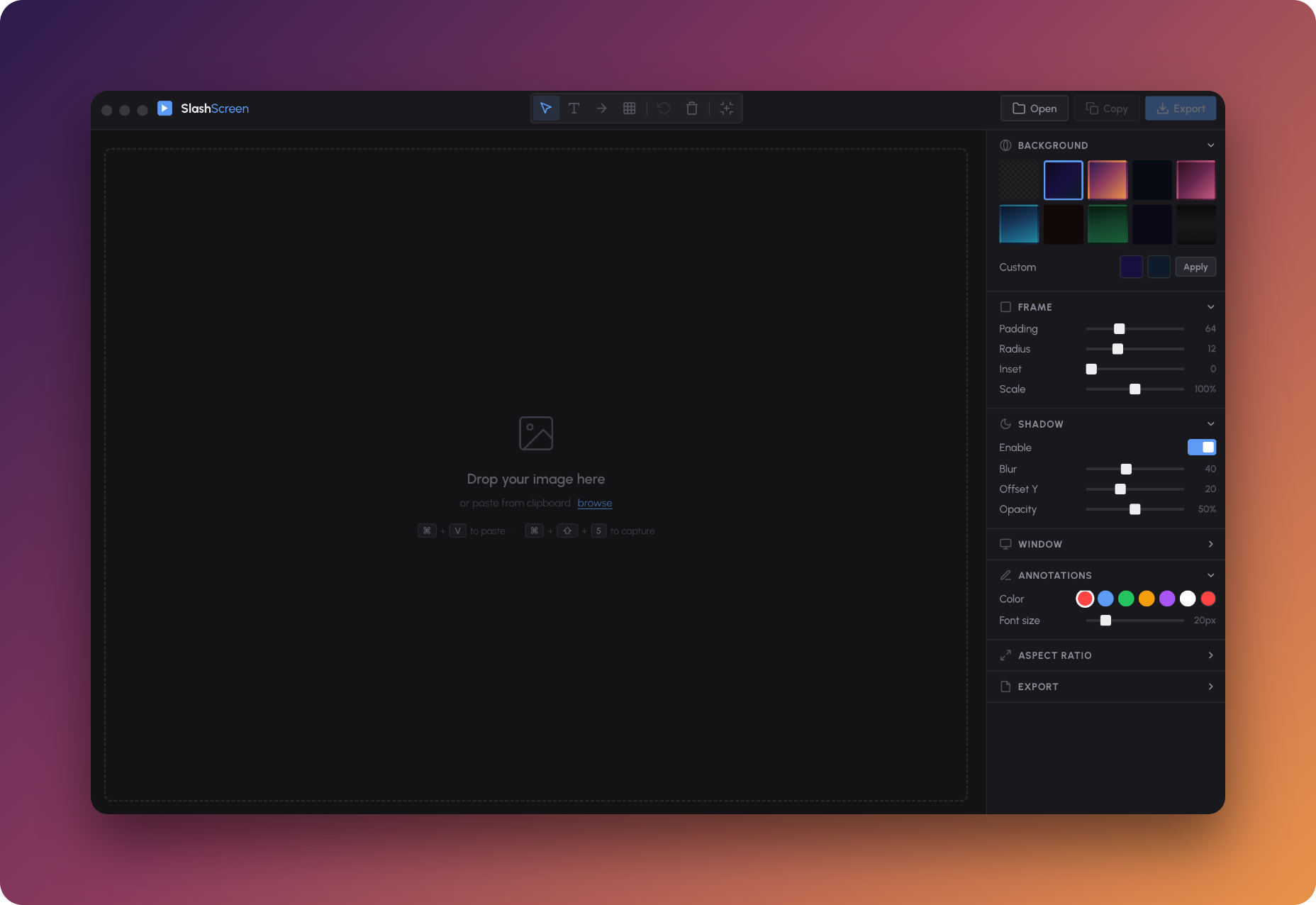
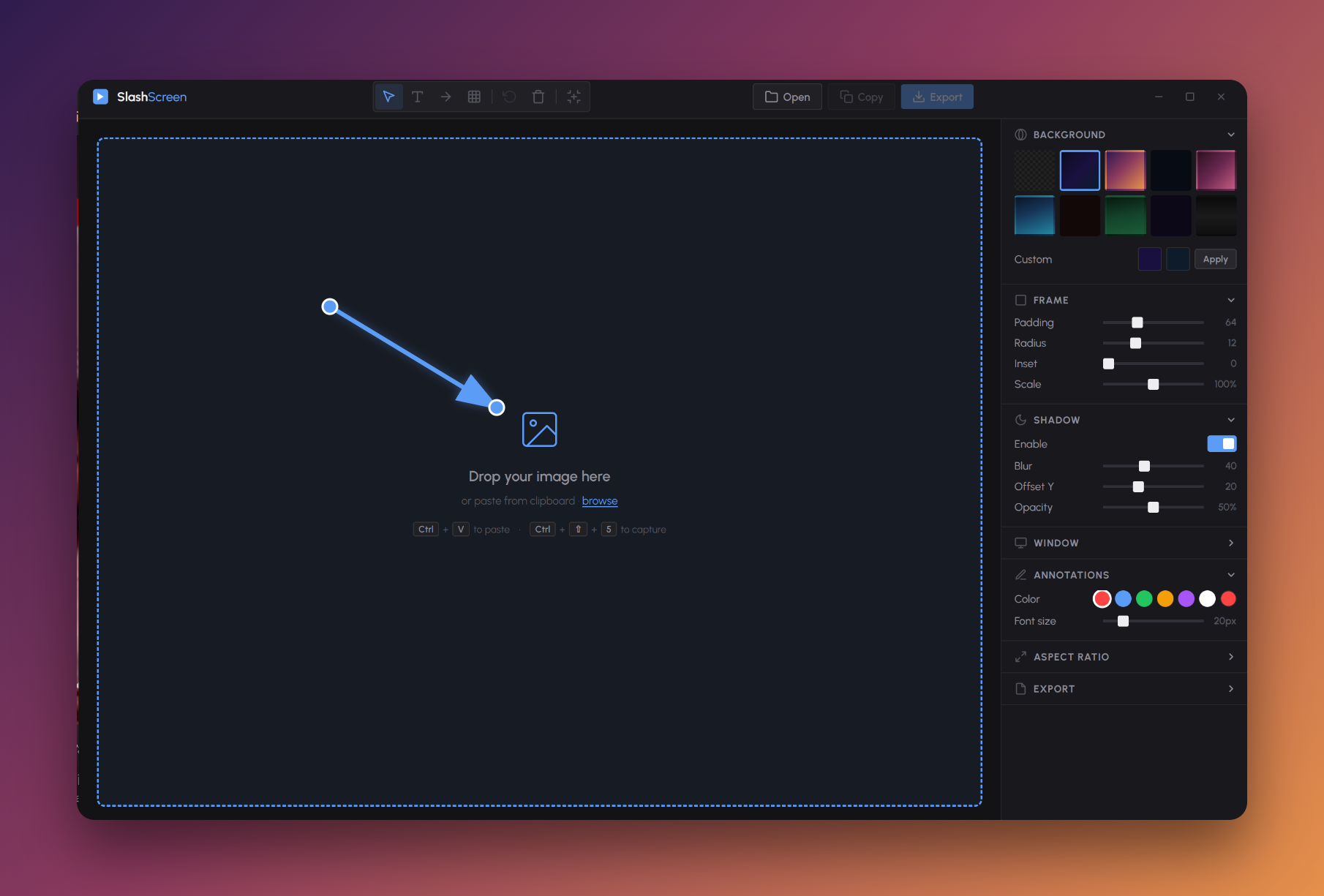
Slashscreen is a beautiful, modern screenshot editor designed for macOS, Windows and Linux. Whether you need to polish a screenshot for a blog post, prepare a product demo, or create stunning visuals for social media, Slashscreen turns raw screen captures into presentation-ready images in seconds. This lightweight desktop screenshot tool offers handcrafted gradient backgrounds, adjustable frame controls, border radius, padding, shadow, and macOS-style window chrome. Add text annotations, draggable arrows, and redaction boxes to highlight or blur sensitive content. Export high-resolution PNG images at 1×, 2× or 3× scale, or copy directly to clipboard. Slashscreen supports device presets for iPhone and iPad mockups, locked aspect ratios (16:9, 4:3, 1:1), and a fully keyboard-driven workflow. Built with Electron, React, Vite and TypeScript, this cross-platform screenshot beautifier runs on macOS (Intel & Apple Silicon), Windows 10+ and Linux (Ubuntu, Fedora, Debian). No account, no subscription, no cloud upload—everything stays on your machine. Slashscreen is the best screenshot annotation tool and image framing app for developers, designers, marketers and content creators who want clean, professional screenshot mockups without the complexity of a full image editor. One-time purchase, free updates, use on multiple machines.